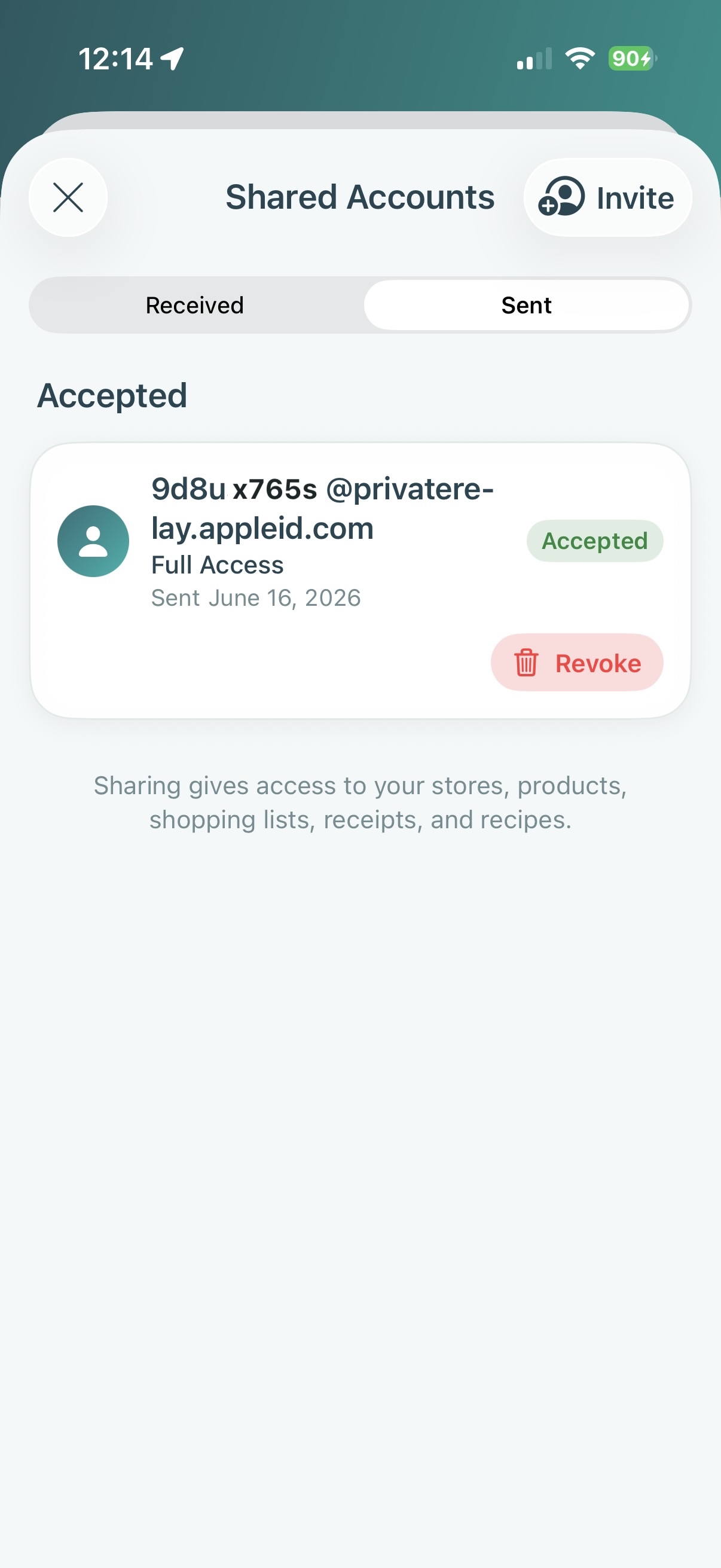
Households buy together. Small teams buy together. Share your username with a partner, parent, roommate, or teammate, send (or receive) an invitation, and act on each other's behalf without juggling logins.
Invite by username
Sharing in MyShoppr is built on usernames, not email threads. Ask the person you want to collaborate with for their username, then open Shared Accounts, tap Invite, enter their username, and send. Revoke or pause access from the same screen at any time.
Share your username
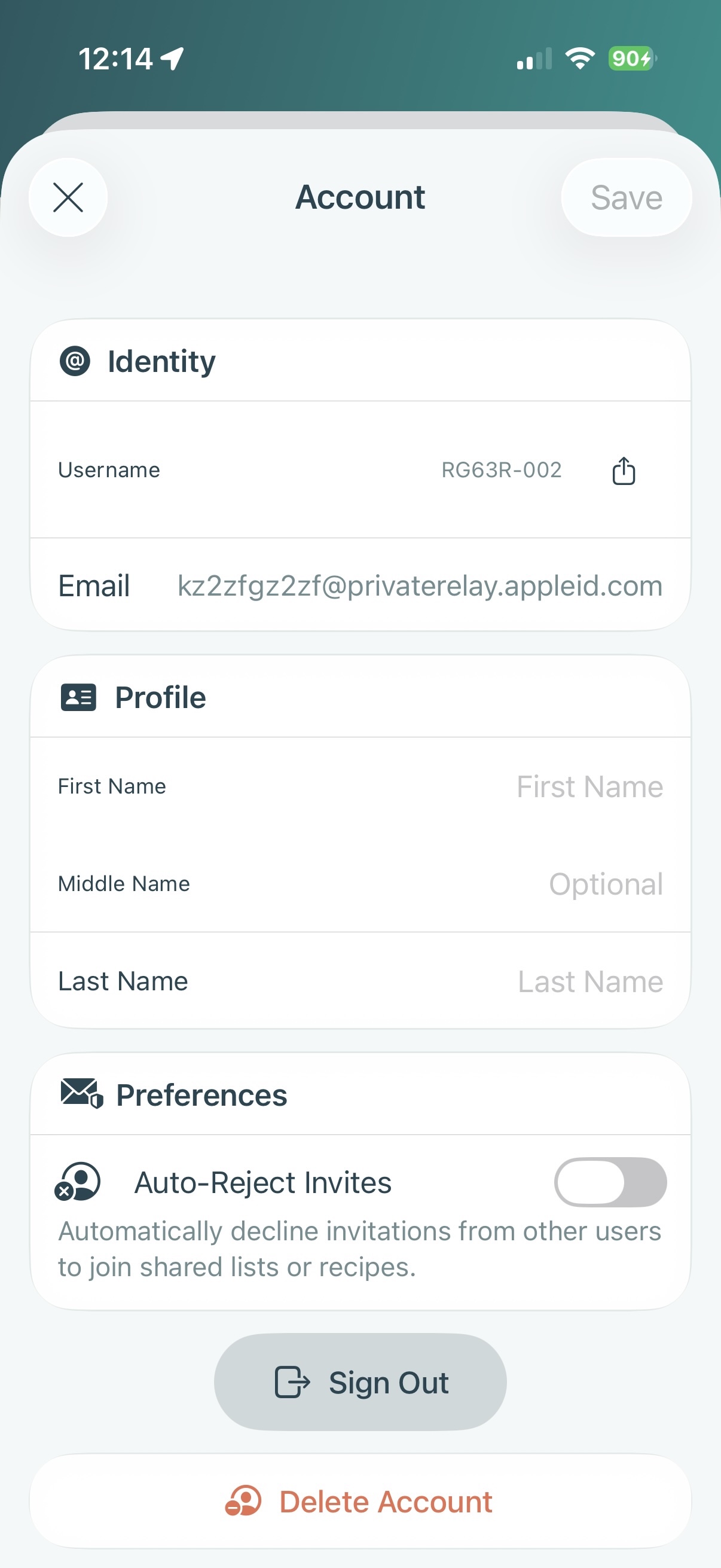
Want someone to invite you? Open Account and tap the share icon next to your username to send it over — via Messages, Mail, or anything in the share sheet. They paste it into Invite, and you're connected.
Accept from Received
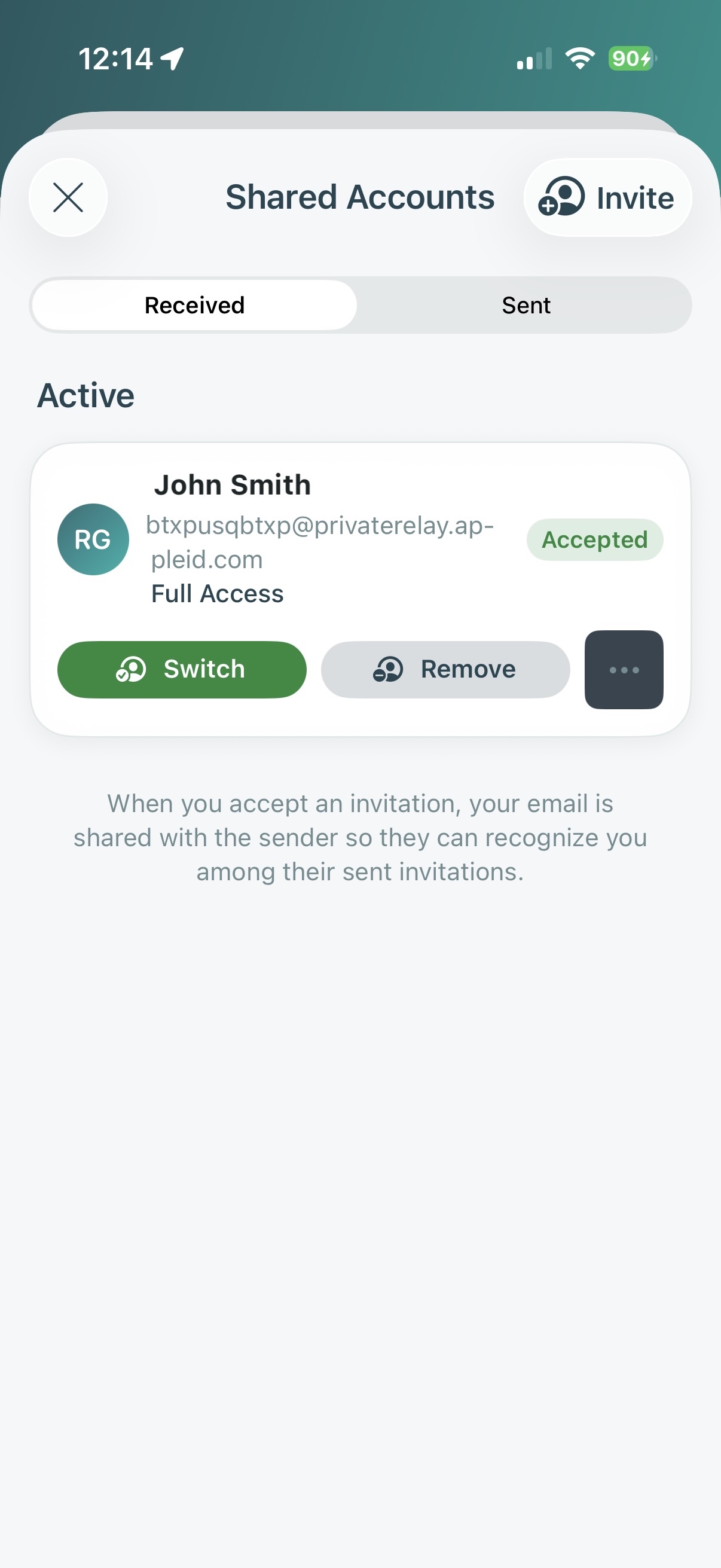
Pending invitations land in Shared Accounts → Received. Accept it once and you're linked — no email threads to dig through, no codes to copy.
Switch accounts in a tap
Hop into a shared account and scan, buy, or update lists as if it were your own — great for running an errand on someone's behalf or covering a teammate. Switch back when you're done; your own data stays untouched.
Get the whole household — or team — on the same page.
Available now on iPhone, iPad, Mac. Android, and web are on the way.
Free to start. Pro unlocks Smart Lists, Smart Shopping, Stats, full History, and Shared Accounts.